EOBI Individual Information
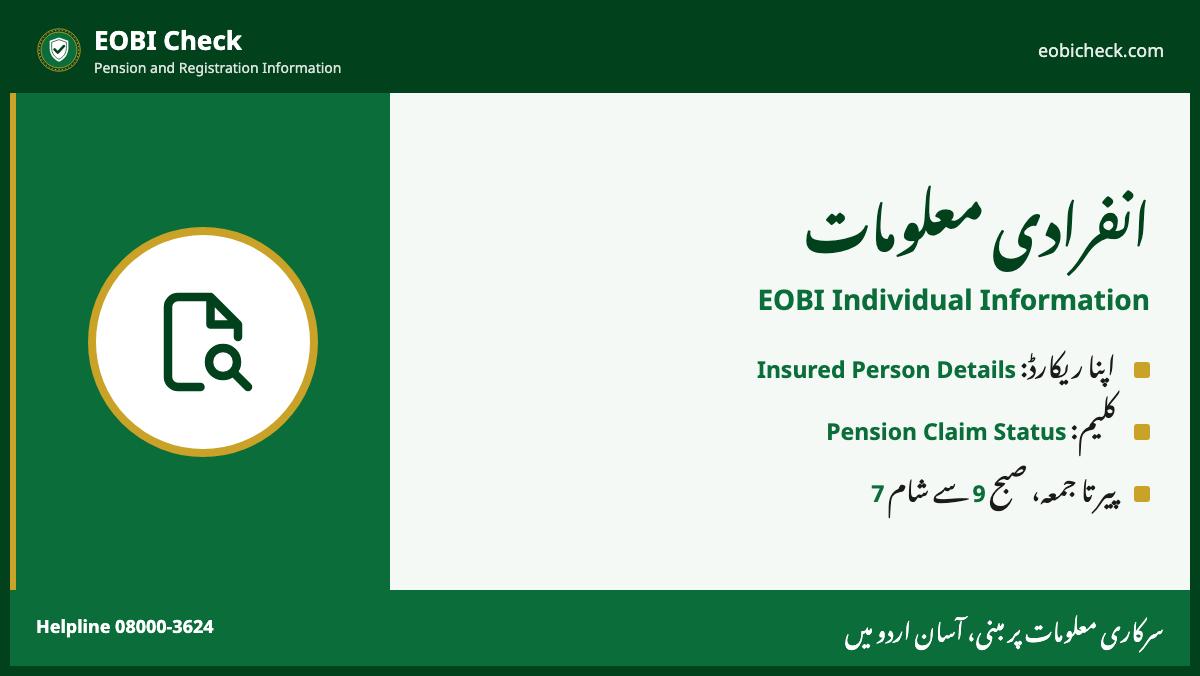
EOBI Individual Information is the official page for workers. It has two services: Insured Person Details for your record, and Pension Claim Status for your claim. It works Monday to Friday, 9:00 AM to 7:00 PM.
The two services
| Service | Shows | Enter |
|---|---|---|
| Insured Person Details | EOBI No, employer, contribution months | EOBI No, New NIC or Old NIC |
| Pension Claim Status | Stage of your pension claim | Claim Form No, New NIC or Old NIC |
Individual Information pageOpen Individual Information
Insured Person Details: steps
- Open Insured Person Details.
- Enter one of: EOBI No, New NIC (13 digits with dashes) or Old NIC.
- Press Generate Report.
- Note your EOBI No. You need it for every EOBI matter.
Pension Claim Status: steps
- Open Pension Claim Status.
- Enter the Claim Form No from your claim receipt. Or enter the claimant’s CNIC in New NIC.
- Press Generate Report.
- No movement for a long time? Call 08000-3624 or visit your regional office.
For a survivor’s claim, use the CNIC of the person who filed the claim.
Tips
- Use a laptop or desktop browser if the page does not load well on mobile.
- Type the CNIC with dashes in New NIC.
- Keep a screenshot of your record before you visit the office.
انفرادی معلومات
- Insured Person Details سے اپنا ریکارڈ دیکھیں۔
- Pension Claim Status سے کلیم کی صورتحال دیکھیں۔
- اوقات: پیر تا جمعہ، صبح 9 سے شام 7 بجے۔
Frequently asked questions
What is EOBI Individual Information?
It is the official EOBI page for workers. It links to Insured Person Details and Pension Claim Status.
What are the timings of EOBI Individual Information?
Monday to Friday, 9:00 AM to 7:00 PM, as given on eobi.gov.pk.
How do I check my EOBI pension claim status?
Open Pension Claim Status on fs2e.eobi.gov.pk. Enter your Claim Form No or CNIC and press Generate Report.
Where do I find my Claim Form No?
It is on the receipt or acknowledgement you get when you submit the pension claim at the regional office.